
Product Video Localization for Shopify Stores
The difference between an independent store and a marketplace: marketplaces bring their own traffic, while everything on an independent store is bought or earned. Every element on a product page is accountable for conversion — video included.
And once you run multiple market sites through Shopify Markets or similar, the question gets concrete: how do you make the same video feel made for the French shopper and the English one alike?
Product-page video vs marketplace video
Marketplace video fights for dwell time on the way to being scrolled past; independent-store video faces someone who already clicked in. Different goals, different craft:
| Scenario | Main goal | Video focus |
|---|---|---|
| Marketplace listing | buy dwell time, cut bounce | grab attention in the first 3 seconds |
| Product page | push the add-to-cart decision | cover details, remove doubts |
Which means independent-store video is allowed to go slower. Return policy, material details, size comparisons — the content that doesn't fit a marketplace video has a home here.
Subtitles beat voice-over for localization
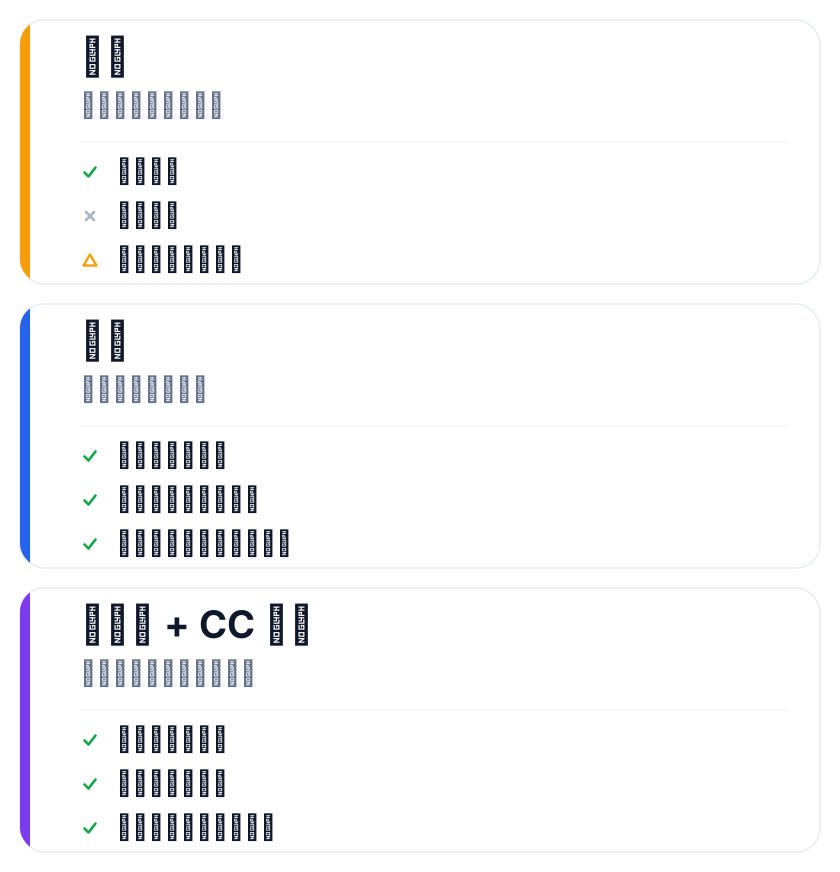
Three usual options: voice-over (best experience, highest cost, one audio track per language), subtitles (cheap, quick to revise, viewers control them), or neither (only viable for pure demonstrations).
Most small and mid-size sellers should pick subtitles, for one reason: they iterate. Prices, campaigns, selling points change — revising a subtitle track is far faster than re-recording audio.
A store has one extra option marketplaces don't: ship a burned-in hard-subtitle version and hang a CC track in the player. The burned version reads in muted autoplay; the track gives viewers who want it off a switch.
One footage set, many markets
Shopify Markets distributes the same catalog across languages and currencies; the video playbook matches it:
- prepare a clean master with no text and no voice-over
- keep currency symbols, promo dates and other market-specific info out of the master
- overlay subtitles per market and export versions
- configure the matching video per market in the Shopify admin
Step 3 is where the work is. Upload the master to SmileSub and speech recognition, translation and bilingual subtitle burn-in run automatically, with 20 languages including Chinese, English, Japanese and Korean.
If a subtitle file already exists and you only need other languages on the player, the free SRT translator is the fast path; the bilingual SRT generator makes side-by-side dual-language files. Both free without login: up to 1MB and 500 cues per file, 3 uses per tool per IP per day.
Landing-page details that actually matter
Autoplay must be muted — browsers enforce it, so the first seconds have to work without sound. That's also why hard subtitles beat soft ones here: soft tracks default to off.
Don't open on a logo. The video occupies a small block on the page; if frame one is your logo nobody presses play. Use footage of the product in use as the poster.
Mobile first. Independent-store traffic is mostly mobile; vertical video fills the screen while landscape shrinks. If you need both orientations from one master, shoot with generous framing.
Don't let the video slow the page. Host it externally (YouTube, Vimeo, object storage) and embed the player — a big uploaded file measurably drags load time.
FAQ
How long should a Shopify product-page video be?
No hard rule, but usually longer than a marketplace video is fine — the visitor already clicked in with intent. Aim for 30 to 90 seconds; say it and stop.
Do language versions require re-shooting?
Usually not. Product demonstration footage is universal; what changes is subtitles and page copy — as long as the master has no baked-in text.
Burned-in subtitles or a player track?
Trade-offs both ways. Burned-in shows everywhere but can't be turned off; player tracks are flexible but usually default off. For stores, lead with the burned version and add both on key pages.
How do I know the video is working?
Two numbers: a low play rate points at the poster or placement; an unchanged add-to-cart rate means the video isn't answering what buyers actually care about.