Product Videos for Cross-Border E-Commerce: From Topic to Multilingual Subtitles
Sellers who go cross-border keep asking the same question: how should a product video be shot? The domestic formula — a host talking plus promo lines — rarely survives the trip. Overseas viewers don't respond to it, and the platforms' recommendation logic works differently.
Language makes it harder. One video covers one market, and producing ten language versions is rarely affordable. This article is about designing "multilingual reuse" into the video from the start.
Topic: decide who this video is for
A product video is not a brand film. The viewer clicks with one question in mind: can this thing solve my problem? So order the content the way purchase decisions happen: what it is (form and use), how it works (a real demonstration), what makes it different (one or two genuine differentiators), and finally build quality — materials, connectors, accessories.
One video, one message. Cram every selling point into a minute and viewers usually remember none of them.
Shooting: less talking, more demonstrating
This is where domestic teams trip most. Domestic videos lean on narration for everything, but a large share of overseas viewers scroll with the sound off. If all the information lives in the audio, a muted viewer sees a person gesturing at a camera.
Let the picture carry the message instead: complete demonstration actions — opening, installing, comparing — with 2–3 seconds each; close-ups for the key steps, not mid-shots; narration allowed but only as support, with on-screen text where an explanation is needed.
Footage shot this way is naturally multilingual-friendly: the only things left to translate are subtitles and captions.
Editing: keep a clean master
The most important and most often skipped step. A clean master means a full edit — picture, sound effects, music — with no text baked in. All subtitles, labels and price info are added at the export stage. That way, no matter how many language versions follow, nobody has to go back into the editing project.
Subtitle localization: one set of footage, many languages
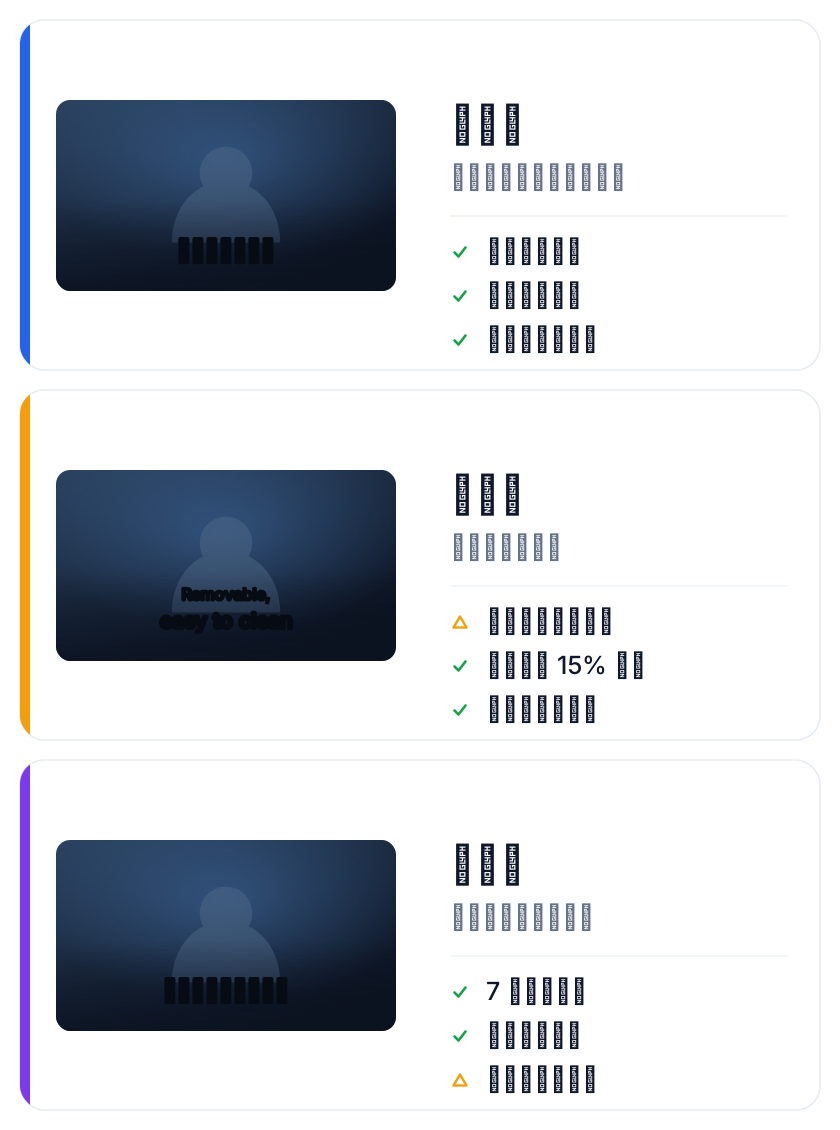
With a master in hand, multilingual versions become a fill-in exercise. Tools like SmileSub take the master, recognize the speech, translate it and burn bilingual subtitles into the picture, with 20 languages including Chinese, English, Japanese and Korean.
Subtitle length varies a lot between languages. A ten-character Chinese line can easily stretch to two lines in English; if the master leaves no room at the bottom, subtitles end up covering the product. Reserve roughly the bottom 15% of the frame for subtitles while editing, and keep it consistent throughout.
If you only need subtitle files, the free SRT translator translates an SRT directly, and the bilingual SRT generator produces dual-language files. Both are free without login: files up to 1MB and 500 cues, 3 uses per tool per IP per day.
Distribution: one master, many platforms
Master plus different subtitles gives you versions for every channel:
| Channel | Recommended form |
|---|---|
| Your own product page | Hard subtitles, embedded player |
| Marketplace listing | Hard subtitles, follow the platform safe area |
| YouTube | Hard subtitles plus a CC track |
| TikTok / Reels | Hard subtitles, extra bottom margin |
| Paid ads | Hard subtitles, information in the first 3 seconds |
Same footage, swap the subtitles, cover another market.
FAQ
Can I skip narration and rely on picture plus subtitles?
For demonstration products, absolutely — and it's often better, since you drop a whole translation-and-voiceover step. Products that need trust-building (supplements, financial services) are still better with a person on camera.
How many language versions can one set of footage produce?
SmileSub supports 20 languages including Chinese, English, Japanese and Korean, so English, Japanese, Korean, German and Spanish markets can share one master. Start with the one or two markets that drive most of your sales.
Do bilingual subtitles look unprofessional?
For sites serving a local audience, single-language is usually cleaner. For a cross-border brand, bilingual is actually a signal: this brand comes from somewhere else and bothered to speak your language.
What breaks subtitles most often in translation?
Length. Short Chinese, long translations — that's the number one cause of layout problems. After translating, always watch the final video once to check nothing spills out of frame or covers the product.