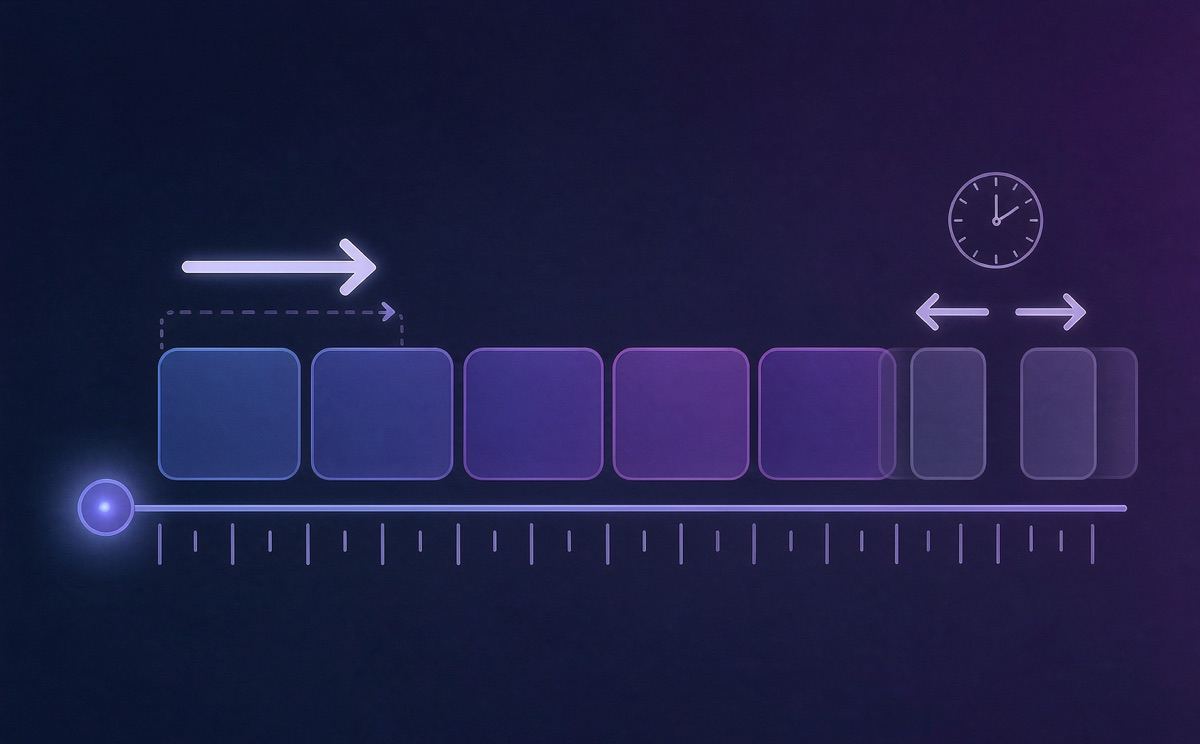
Subtitle Timeline Off? Shift or Scale First
You export the subtitles and the text trails the picture by seconds — or the first half matches while the second half drifts further and further apart. These two kinds of "off" have entirely different causes; fixing one with the other's method usually makes things worse. Classify first, then act.
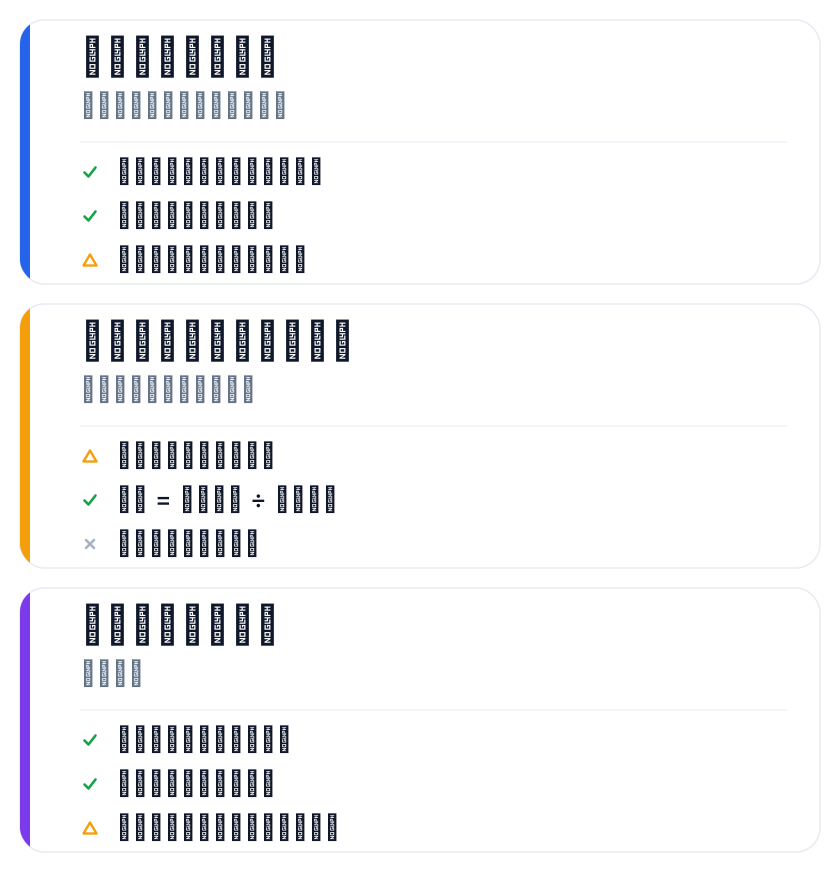
Classify first: shift or scale?
A shift means every cue is off by the same amount — say, 2 seconds fast throughout, identical at head and tail. Common cause: video and subtitles came from sources with different durations or frame rates, or the export shifted wholesale.
A scale means the offset grows with position — the start matches, and the further in, the worse. Common cause: the two sides' total durations disagree. Subtitles were made for 10 minutes; the video actually runs 10:20; stretched proportionally, the tail skews.
A quick test: look at the first and last cues. Same offset at both ends → shift. The tail's offset larger than the head's → scale.
Many creators catch this only in the pre-delivery preview — the picture has moved to the next line while the subtitle still shows the previous one. This "lagging beat" is almost always scale-type drift, and it's stealthier than a uniform offset: the beginning looks right, so the whole file seems fine.
Shift: add or subtract one duration across the board
The fix for a shift is adding or subtracting one offset from every timecode. Take SmileSub's timeline shift tool — no login: upload the SRT, set the offset (say −2.0 s), wait for processing, download the corrected file.
The tool keeps cue count and order untouched and only adjusts timecodes. Free tier: 1MB and 500 cues per file, 3 uses per tool per IP per day.
Mind the sign: if subtitles run early, pull them back with a negative value; if late, push them forward with a positive. Don't flip it.
# before
00:00:05,000 --> 00:00:07,000
# after a uniform -2.0 s
00:00:03,000 --> 00:00:05,000
Scale: stretch or compress proportionally
A scale can't be fixed with one offset; every timecode must be recomputed by ratio. Common approaches: use the time-scale function in the timeline tool and enter source and target durations; or confirm the audio/video sources match, then realign from scratch.
Scaling carries more risk than shifting: a wrong ratio wrecks the whole axis. Reverse-derive the ratio from the first and last cues before touching everything.
In practice the ratio is usually target total duration ÷ source total duration. Subtitles built for 600 s with a video actually 615 s → ratio 1.025; multiply every timecode by it. When the ratio is near 1 the impact is tiny; the larger the gap, the more you must verify the head/tail alignment points. If the ratio comes out wrong, redo it — don't fudge.
If the subtitles came from speech recognition, a source-duration mismatch also shows up as scale-type drift — in that case, go back and re-verify the source with the audio-to-subtitle approach.
When only a few cues are off
Mostly aligned, three or five cues jumping — usually adjacent-cue overlaps or typos in the timecodes. Wholesale shift or scale is the wrong tool here; per-cue nudging is safer: sweep the file with the subtitle checker for overlaps and violations, locate the specific cues, and fix only those timecodes.
The virtue of per-cue fixes: nothing else gets touched. Always back up the original file before any batch operation.
For misalignment caused by mismatched audio/video sources, see also the source-consistency items in the video localization checklist.
Which fix for which drift
| Symptom | Type | Fix |
|---|---|---|
| Same offset throughout | Shift | Add or subtract one offset |
| Worse toward the end | Scale | Recompute by ratio |
| Only a few cues | Individual errors | Per-cue adjustments |
One line: diagnose, then measure. Classify wrong and everything after is wasted work.
FAQ
How do I quickly tell shift from scale?
Compare the timecode deltas of the first and last cues. Identical deltas → shift. The tail's delta clearly larger than the head's → scale. Sampling one or two cues in the middle confirms further.
Does the correction tool change the text?
No. Timeline correction touches timecodes only; the text stays byte-identical. What you see and the cue order never change — only each cue's start and end moments.
Why are a few cues still off after correction?
If the whole file is aligned but a few cues still jump, those are item-level errors (typos, overlaps) — locate them with the checker and fix per cue, not with another wholesale shift.