
SRT to ASS: Adding Style to Subtitles
The platform wants outlined text, a specific font, subtitles raised above the bottom edge — plain SRT won't do it. ASS splits "what it looks like" out of the text into a set of independently settable style fields. Understand the Style line first, then decide how to convert.
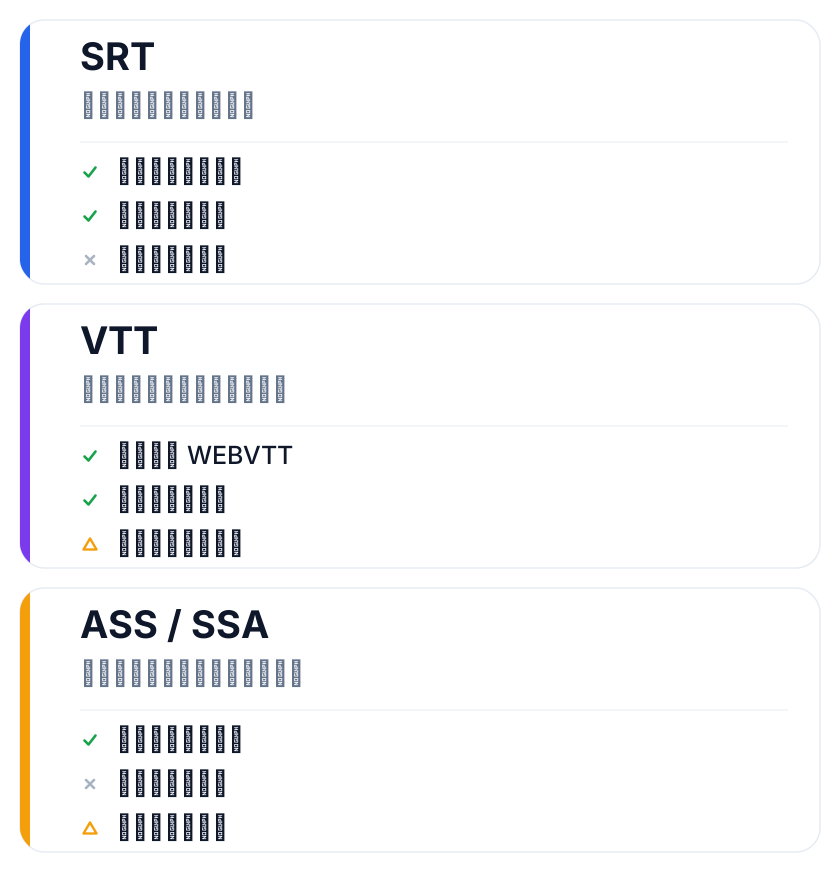
Why SRT can't carry style
SRT only answers "what text shows at what time" and carries no appearance information. Font size, color, outline, position — all left to the player's default, out of your control.
The moment you want yellow text with a black outline that stays legible over busy footage, or a brand-matched typeface, or a speaker's line pinned to the left or right of the frame — you need ASS (or some player's private style extensions). SRT simply can't express it.
What the ASS Style line controls
ASS defines a style set in the file header under [V4+ Styles], one field per visual dimension:
[V4+ Styles]
Format: Name, Fontname, Fontsize, PrimaryColour, Outline, Shadow, MarginV
Style: Default,Arial,36,&H00FFFFFF,2,1,40
Common fields: Fontname and Fontsize govern the typeface and size; PrimaryColour is the text color (ASS writes &HBBGGRR — reversed hex, a trap covered below); Outline is outline width, the bigger the thicker; Shadow offsets the drop shadow; MarginV is the distance from the bottom edge, used to raise the subtitles.
One ASS file can carry several styles, different speakers in different looks. SRT has no structure like this at all.
What these fields buy you is "the same subtitle file looks the same in every player." SRT can't promise that — each player decides its own look. If your final cut ships across channels (website, app, download), locking style with ASS avoids the jarring "same line, different sizes" experience.
Route one: convert online, then adjust
If you just need your existing SRT as an ASS with basic style, the SRT to ASS tool does it — no login: upload the SRT, wait for parsing, download an ASS with default styles — cue count and timeline untouched.
What comes out is a valid, playable ASS. Free tier: 1MB and 500 cues per file, 3 uses per tool per IP per day. If the defaults aren't to taste, fine-tune fields in any ASS-capable editor. Don't aim for perfect in one shot — get it working, then iterate.
If your goal is a quick voiceover-to-playable-styled-subtitle path, one online step is far shorter than installing an editor and exporting, and skips a class of format pitfalls.
Route two: hand-edit the style fields
For fine control, editing the [V4+ Styles] fields directly is the most straightforward: heavier outline — Outline from 1 to 2 or 3; different typeface — change Fontname; raise the subtitles — reduce MarginV.
Smaller MarginV moves subtitles up, but leave room for the safe area so platform UI bars don't cover them. Play a segment to confirm after each change. If you'll burn the subtitles into the final video afterward, you can burn directly with the generated ASS on this site.
A classic trap when hand-editing: ASS colors are written &HBBGGRR — blue-green-red, reversed from the usual web hex. Pasting a color picker's value as-is shifts the hue. When unsure, get the tool-generated defaults working first, then adjust in small steps — one field per change, play a segment to confirm; faster than rewriting a whole row at once.
For burn-in vs soft subtitle trade-offs, see burned-in or soft subtitles.
Choosing between the two routes
| Your situation | Recommendation | Main cost |
|---|---|---|
| Just need a valid styled ASS | Online conversion | Nearly zero |
| Need per-field precision | Hand-edit styles | Must understand the fields |
The core difference is only "who tunes the fields." For most cases, the default styles are enough.
One reminder: ASS styles don't reliably render in web <video> — native browser playback supports ASS only partially; for styled presentation on the web you usually burn the final cut first.
If what you have is VTT rather than SRT, reverse the direction of the SRT to VTT tool first, or confirm the source format before choosing the conversion path.
FAQ
Can an ASS double as an SRT?
Not in reverse. SRT can't express ASS's style info, and many SRT-only platforms ignore it or error out. When SRT is needed, convert back or re-export.
How heavy should the outline be?
No universal number — it depends on visual complexity and playback size. Common practice is Outline between 1 and 3, with shadow for readability. On busy backgrounds, favor a thicker outline over prettiness at the cost of clarity.
Can the styles generated by the online tool be changed?
Yes. The generated ASS is standard format — any ASS-capable editor opens and edits it. The online tool gets structure and timeline right; fine style tuning belongs in a local editor, which is more flexible.