
Xiaohongshu Video Subtitles: Cover, Subtitles and Completion
Xiaohongshu mixes notes and videos. A video first appears as a feed thumbnail, then plays full-screen after the tap — and subtitles have to hold up in both: readable in the feed, off the subject in full-screen.
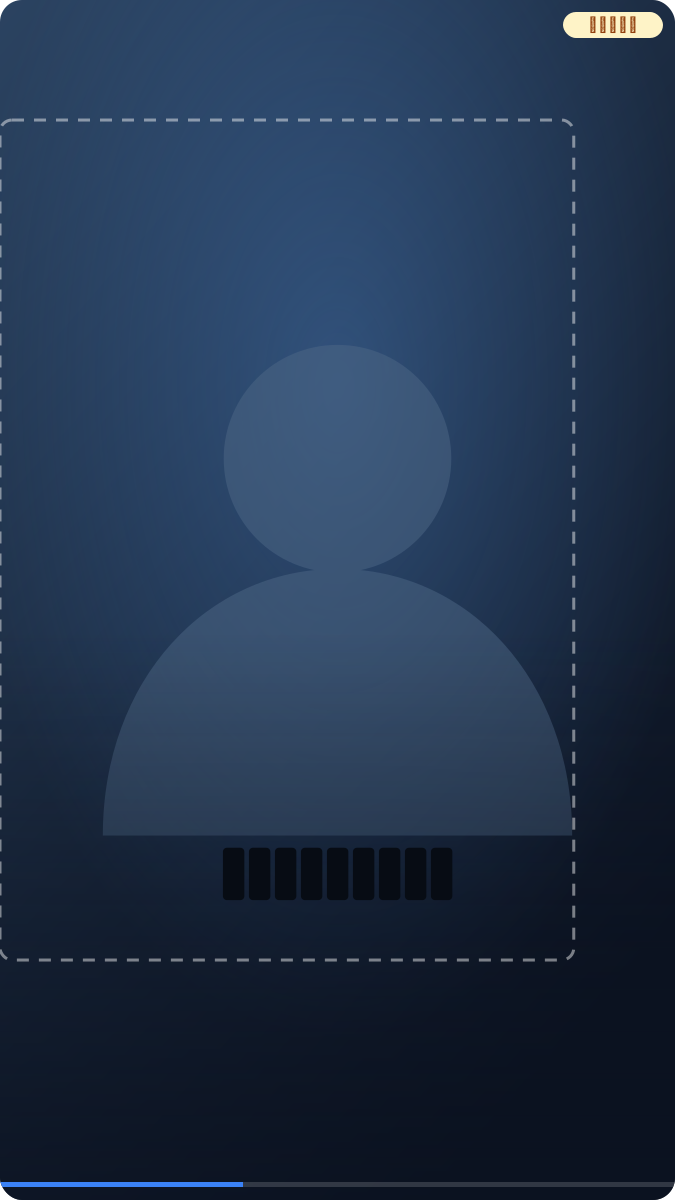
Two scenes, two requirements
In the feed the video is a small card with a short dwell — subtitles must be big and simple enough to catch at a glance. In full-screen the frame is filled, and subtitles pressed onto the subject (a face, a product) look clumsy. Both hold at once, so settle where the subtitles go and how big they are before touching the copy.
The cover also does headline duty; don't let cover copy and subtitle copy fight for attention. The cover sets the topic, subtitles carry the running message — split the labor and conversion follows.
Reading clearly in the feed
Set font size as a share of frame height: 1/30 to 1/22 per line, roughly 64–88px on 1080×1920. Keep cues short — feed dwell is brief and long lines get scrolled away. Contrast matters: on bright backgrounds add an outline or backing bar, or the thumbnail turns to mush.
The cover says "what this is", subtitles say "what's being said right now". Split that way, viewers caught by the pair in the feed won't bounce over unreadable text after the tap.
Staying off the subject in full-screen
Keep subtitles in the upper-middle safe zone: clear of the bottom caption area and the right-hand action column. Two lines max, the whole block under 1/6 of frame height — leave the subject room and re-check a few frames. For centered faces and products, push subtitles into the lower whitespace; this shot is everywhere on Xiaohongshu, so frame with the margin at shoot time rather than squeezing text in post.
Self-check: play full-screen once, pause on frames where the subject sits lowest, and see whether subtitles cover anything. Subject centered, margins generous — post-production stays easy.
Duration and character count
Match duration to length, using the same yardstick as the site's subtitle checker:
- Chinese: max 18 characters per line, under 9 chars/second
- Latin scripts: max 42 characters, 2 lines max, under 20 chars/second
- Each cue holds 1–7 seconds
Feeds run fast — favor short cues and lower-bound durations. Splitting a long sentence beats shrinking the font every time.
Run the subtitle checker before export to flag oversized or over-speed cues; slide whole-timeline offsets with the shift tool.
Burn in or platform captions
Xiaohongshu autoplays muted, so burned-in subtitles are the stable choice — forwards, screenshots and feed thumbnails all carry the text. Platform caption tracks toggle but depend on display and take their style from the platform. The full trade-off: burned-in vs soft subtitles. For a burned final cut, SmileSub does recognition, translation and burn-in in one browser pass. Note captions can link to the note body — when a subtitle mentions the product, echo it in the note for a shorter path.
Common mistakes
Cover copy and subtitles fighting — split the labor: cover is "what", subtitles are "now". Too-small text in the feed — thumbnails are tiny, go simpler and bigger. Covering the subject full-screen — centered faces mean subtitles in the lower whitespace. Long lines unsplit — splitting into two cues beats tiny fonts.
Quick settings
Try 1/26 of frame height first, check the thumbnail, adjust toward 1/22 or 1/30, then fix it for the whole video. Cover and first cue decide the tap — don't rush the opening. When subtitles name the product, echo the note body to shorten the path.
FAQ
Where do subtitles go without covering the subject?
Upper-middle safe zone, clear of the bottom caption strip and right-hand buttons; two lines max, block under 1/6 of frame height. For centered faces, use the lower whitespace.
How big in the feed?
1/30 to 1/22 of frame height per line, about 64–88px on 1080×1920. The feed is a thumbnail — simpler and shorter wins.
Burned-in or platform captions?
Muted autoplay makes burned-in the stable pick — text survives forwards and screenshots. Platform captions toggle but depend on display. If completion and shares matter, burn them in. Details: burned-in vs soft subtitles.